A new PC with different username cause two issues for WINE when copying old PC user files to a new PC.
If the Linux username changed, you have to update the “exec” lines of the .desktop files that reside in ~/.local/share/applications/wine/Programs/ (or create softlinks).
Sometimes the drive links in ~/.wine/dosdevices differ after copying.
Update your shortcuts/softlinks as necessary.
To use Z38XX GPS logging program on Linux via WINE, first
identify
which serial port the GPS is on.
Identify the WINE virtual serial port corresponding to the Linux serial port:
ls -l ~/.wine/dosdevices
if necessary
change WINE serial port mapping.
Start Z38XX.EXE and set Parameters → Serial Port to the port noted above.
Set baud rate–Jackson Labs GPS typically use 115200 baud by default.
Ulrich and Ina Bangert sadly have both passed away, and the website is maintained by a friend.
Regrettably, the source code for Z38XX is not known to be available, and so people have resorted to hex-editing the binary to adapt for new devices that would not otherwise work.
We are thankful for Ulrich’s service to the GPS/TimeNut/Amateur Radio/Radio Science community, and hope that other authors will consider open-sourcing their code to help the community even more.
Z38XX 2013-04-23 is the last known version from Ulrich.
A Windows PC that hasn’t been booted for months may get a black or blue error screen:
A component of your operating system has expired winload.efi
You will need to update to the latest version of Windows, after backing up your files.
In BIOS/UEFI, set the date to about the time your PC last worked.
If you’re not sure, set the date roughly 6-12 months into the past.
Reboot and Windows should start, but will note an expired version of Windows.
Windows will set the correct date automatically.
Copy off all your data to an external drive.
Don’t reboot!
Do the “force upgrade” below.
If this fails, you can recover non-encrypted (non-Bitlocker) data by copying your data off to USB or network drive with an
Ubuntu live USB stick
or pull the hard drive and copy files.
This technique allows adding Greek letters to most programs text input.
See the
Greek character chart.
The row labels e.g. 03bx are the first 3 characters typed after the
CtrlShiftu
.
The last “x” value is the column of the table.
Press
CtrlShiftu
at the same time, briefly.
Release all three keys.
Type the four-digit code and press Enter
.
The character code is seen till pressing Enter, then the Greek character appears.
Linux and BSD can scan documents and fax using SANE.
apt install xsane
Optionally install the SANE GUI front-ends, as sane or sane-frontends.
Open scanning GUI:
xsane
Find scanner: xsane automatically scans for connected scanners. You should see the name of your scanner in the titlebar of each xsane window in a few seconds.
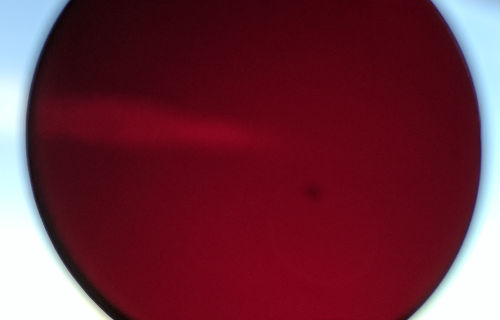
These measurements were each taken with a C-mount size deep red filter inserted, held by hand on a LED diffuse source.
Three measurements were taken for each camera, rotating the filter and camera to help eliminate flatness issues with the diffuser.
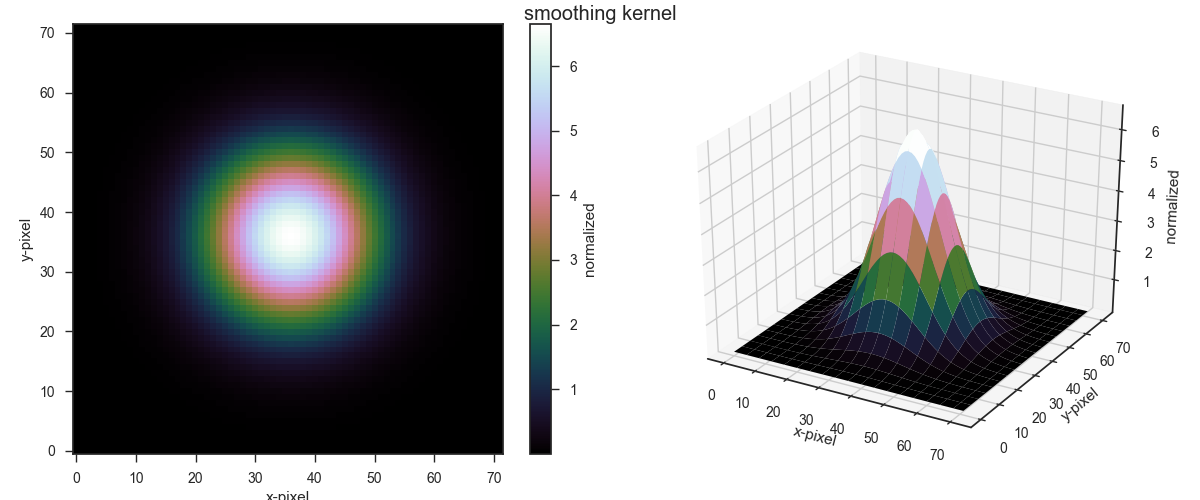
Due to noise in the images inherent to the 100 ms exposure, a smoothing filter was used.
Gaussian smoothing kernel
Deep-red filter used to attenuate flatfield source into broadband imager.
Basler Dart flat field measurement with Aptina 0134 chip was measured in 12-bit and 8-bit mode.
Sumix flatfield measurement: due to time constraints, the Sumix demo program was used, which only has 8-bit output to file, despite the Sumix camera having 10-bit output available.
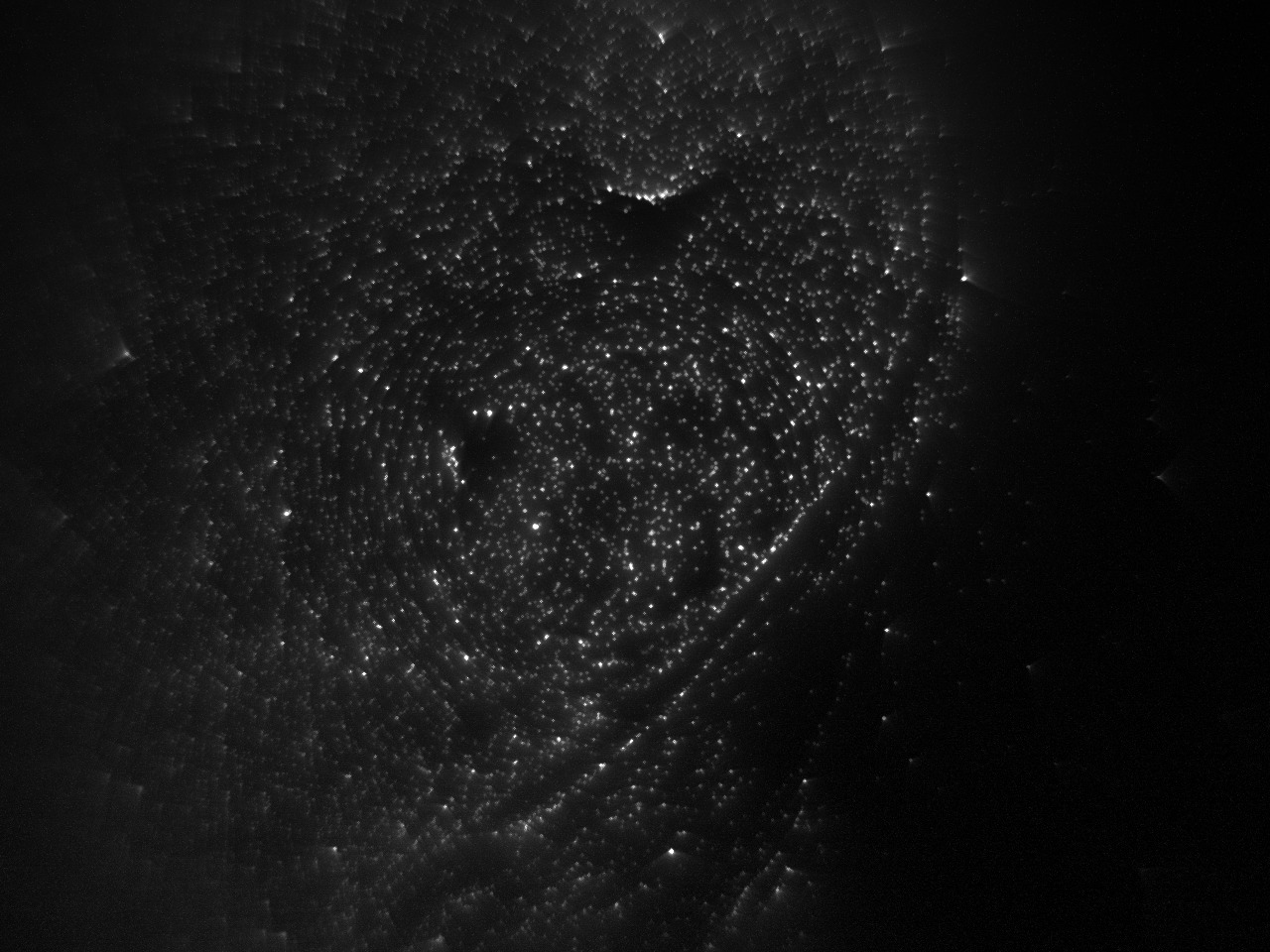
Slide measurement: half the 6 um bead slides at 0.02% concentration had defective preparation, and were discarded.
The remaining slides are also somewhat defective, but have enough “good” beads that cell nucleus detection algorithm picks them out.
Blue excited fluorescence measurement with Polysciences #23519 6 um beads at 0.02% concentration.